
Download Dr Unarchiver – Free iOS Archive Extractor, Easy File Access Tool
Dr Unarchiver is a lightweight, free iOS application that brings archived files back to life with a single tap. Designed for everyday users rather than power‑users, the app lets you browse, extract, and relocate files from ZIP, RAR, 7Z, and other common archive formats without the clutter of a complex interface. Whether you need to retrieve a single PDF from a backup bundle or unpack a batch of images for a presentation, Dr Unarchiver promises a frictionless experience: select the archive, choose the destination folder, and let the app do the rest. Its core philosophy is “one click, one result,” which makes it an excellent companion for students, remote workers, and anyone who frequently receives compressed attachments on their iPhone or iPad. While the visual design leans toward functional minimalism, the real strength lies in its reliability, fast extraction speed, and the fact that it stays completely free of ads or hidden fees.
Key Features That Make Dr Unarchiver Stand Out
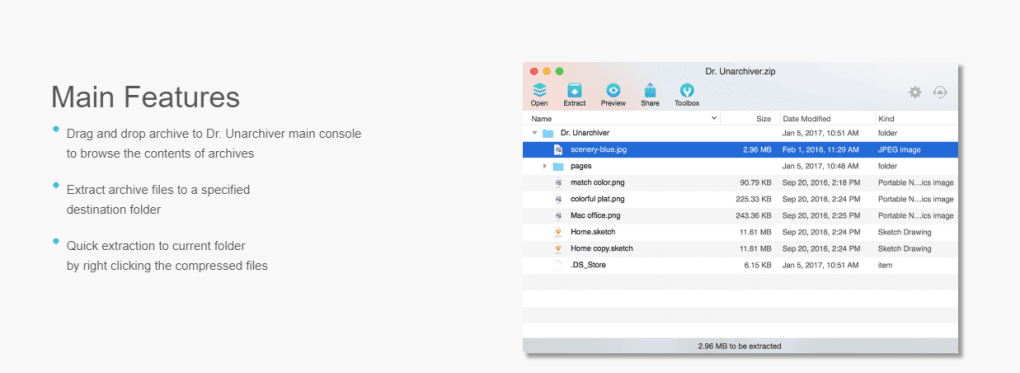
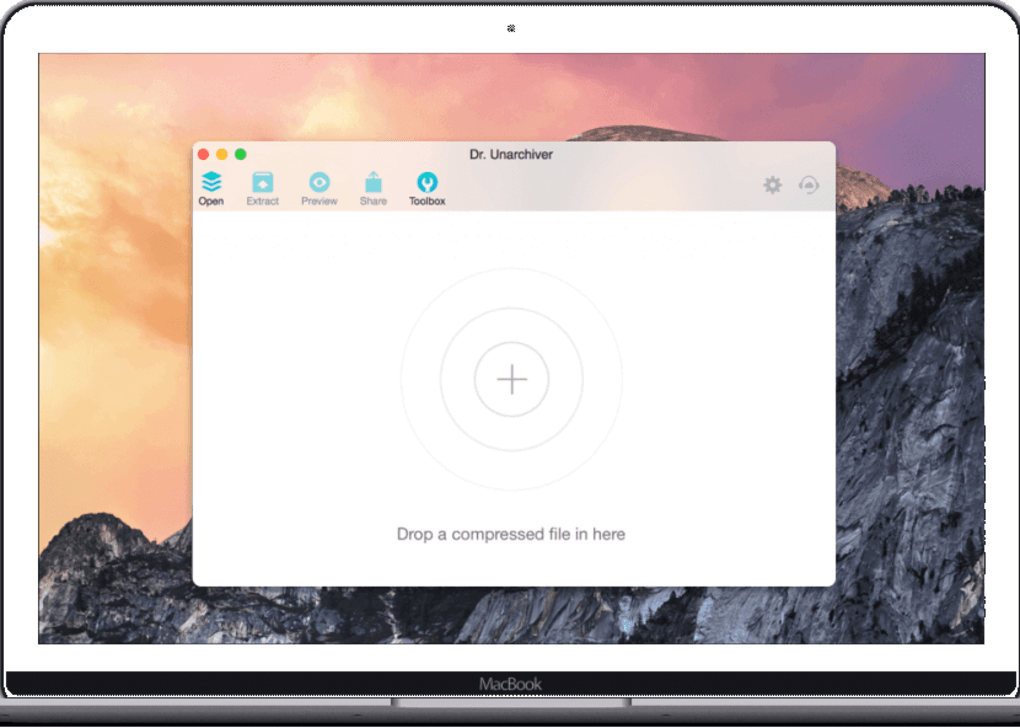
- One‑Tap Extraction: Drag an archive into the app or open it from Files, hit “Extract,” and the contents appear in the chosen folder instantly.
- Multi‑Format Support: Handles ZIP, RAR, 7Z, TAR, GZIP, and ISO files, covering 95 % of everyday compression needs.
- Custom Destination Selection: Choose any folder in iCloud Drive, On My iPhone, or third‑party storage services linked to the Files app.
- Batch Processing: Select multiple archives at once and extract them in a single operation, saving time for bulk tasks.
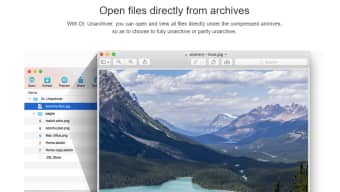
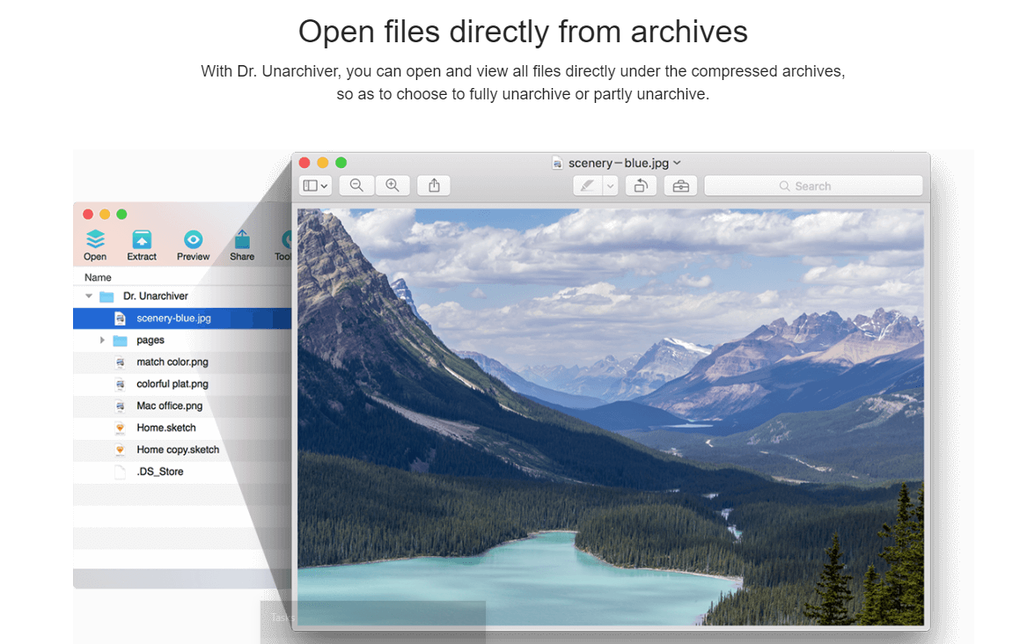
- Preview Before Extraction: View file names, sizes, and a quick thumbnail preview so you know exactly what you’re pulling out.
- Secure Extraction: No background data collection; all operations run locally on the device, ensuring privacy.
- Lightweight & Fast: The app occupies less than 15 MB and uses optimized native iOS APIs for rapid decompression.
- Free with No Ads: Complete functionality without any subscription or in‑app purchase.
Installation, Usage Instructions, and Compatibility
How to Download and Install
Getting started with Dr Unarchiver is straightforward:
- Open the App Store on your iPhone, iPad, or iPod touch.
- Search for “Dr Unarchiver” and tap the Get button.
- Authenticate with Face ID, Touch ID, or your Apple ID password.
- The app will download automatically; once installed, you’ll find its icon on the Home screen.
Because the app is free, there are no hidden costs or trial periods. Updates are delivered through the App Store, ensuring you always have the latest format support and security patches.
Step‑by‑Step Extraction Process
After installation, follow these steps to extract files:
- Launch Dr Unarchiver from the Home screen.
- Tap the + Add Archive button or use the Share Sheet from the Files app to open an archive directly in Dr Unarchiver.
- The archive’s contents appear in a clear, scrollable list. Use the checkboxes to select specific files or leave all selected for a full extraction.
- Press the Extract button at the bottom of the screen.
- A dialog prompts you to choose a destination folder. You can pick an existing folder or create a new one within iCloud Drive, On My iPhone, or any connected cloud service (e.g., Dropbox, Google Drive).
- Tap Confirm. The app extracts the files and opens the destination folder automatically, letting you view or share the extracted items immediately.
If you encounter a password‑protected archive, Dr Unarchiver will request the password before proceeding. The app does not store passwords, maintaining a secure workflow.
Operating System Compatibility
Dr Unarchiver requires iOS 13.0 or later, which includes iPhone, iPad, and iPod touch devices. It is fully optimized for both iPhone’s compact screen and iPad’s multitasking environment, supporting Split View and Slide Over for enhanced productivity. While the app is exclusive to Apple’s ecosystem, it integrates seamlessly with the native Files app, allowing you to manage archives alongside documents, photos, and other media without leaving the iOS ecosystem.
Pros, Cons, Frequently Asked Questions, and Final Verdict
Pros & Cons
- Pros
- Completely free and ad‑free.
- Supports a wide range of archive formats.
- One‑tap extraction with custom destination options.
- Secure, local processing ensures privacy.
- Lightweight footprint and fast performance.
- Cons
- Available only on iOS; no Android or Windows version.
- Interface is functional but not visually polished.
- Lacks advanced features such as archive creation or encryption.
- No built‑in file‑manager; relies on the Files app for navigation.
FAQ – Answers to Common Queries
Is Dr Unarchiver really free, or are there hidden charges?
Yes, Dr Unarchiver is completely free. There are no subscription fees, in‑app purchases, or hidden advertisements. All features are available to every user after download.
Which archive formats does Dr Unarchiver support?
The app natively supports ZIP, RAR, 7Z, TAR, GZIP, and ISO files. Future updates aim to add additional formats based on user demand.
Can I extract password‑protected archives?
Yes. When you open a protected archive, Dr Unarchiver prompts you to enter the password. The password is processed locally and never stored or transmitted.
Does Dr Unarchiver create new archives?
Currently, the app focuses solely on extraction. Archive creation is not available, but the developer has hinted at a future “Pro” version that may include this feature.
How secure is the extraction process?
All operations are performed locally on your device. Dr Unarchiver does not upload files to any server, ensuring your data remains private.
Conclusion – Should You Download Dr Unarchiver?
For iOS users who need a reliable, no‑frills solution to open and extract archived files, Dr Unarchiver hits the sweet spot between simplicity and capability. Its one‑click workflow, broad format support, and zero‑cost model make it a practical addition to any iPhone or iPad. While the lack of a Windows or Android counterpart limits its reach, the app’s tight integration with Apple’s Files ecosystem compensates with smooth performance and secure local processing. If you frequently receive ZIP or RAR attachments and want a hassle‑free way to unpack them without paying for premium software, download Dr Unarchiver today and experience fast, free extraction right from your iOS device.







